I upgraded to 3.5 back in March, and have since re-installed BFD 3.5 from scratch and have two persistent issues. First, I am running BFD 3.5 on a Microsoft Surface Pro 10 for Business with an Intel Core Ultra 7 165U and 32 GB of LPDDR5 memory and latest Windows 11.
The first issue is a GUI issue. When I load BFD 3.5 in standalone mode the text is extremely small as if it is not doing text scaling properly. My main screen is 2880 x 1920 and text scaling in Windows 11 is at the recommended 200%. The text remains small if I move it to another monitor (which can change depending on whether I am at work or home), which are mostly 1080p monitors either way. I have tried adjusting the scaling while BFD 3.5 is running and it does not help at all.
If I load BFD 3.5 as a VST (usually in either Cakewalk, Sonar, or Gig Performer) the GUI text is the correct size. The text is only too small when loading BFD 3.5 in standalone mode.
My second issue is that aftertouch chokes only work in standalone mode right now. If I load BFD 3.5 as a VST (again - Cakewalk, sonar, Gig Performer) aftertouch does not work. If I load BFD 3.5 in standalone mode aftertouch choking works just fine. I’m 99% certain Gig Performer (which is what I really need it to work with as I’m using BFD 3.5 for live performance) is not filtering aftertouch by default (and neither is Cakewalk or Sonar).
I would prefer to use BFD 3.5 as a VST with Gig Performer, but am considering running the standalone BFD 3.5 and assigning BFD 3.5 an external MIDI port Gig Performer can talk to with some creative MIDI routing. Being able to see what I am doing without a magnifying glass at a gig will be important if I go this plan B route.
EDIT:
Stuck in the Waiting for Approval Process..
Response made on Fri never get approved until after the Weekend.
It’s been awhile since I have setup Gig Performer as the last time was about a year ago for a couple friends who are also a Live Performers and made the transition to BFDv3.5.
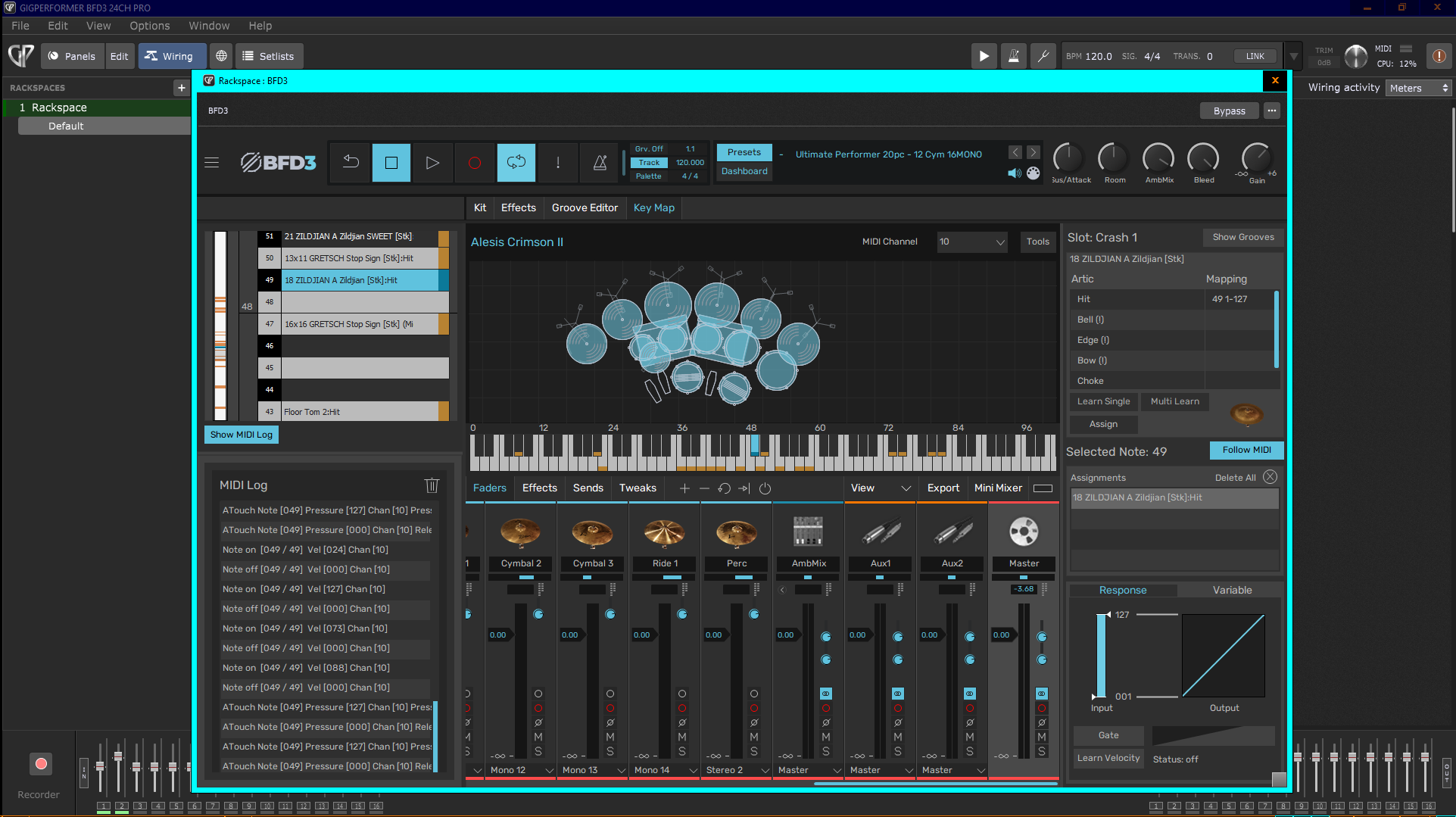
The Module one was using was Roland sending Aftertouch..the other was using the Alesis STRIKE..which Does Not send AfterTouch and indstead sends MIDI Notes for Choke..I don’t have any Roland Modules so I setup a Rackspace with an Alesis CRIMSON II I had laying around..it does send Poly AfterTouch
I attched image of BFDv3.5 Vst3 with Aftertouch working in GP5 and is viewable in the MIDI Monitor.
GP 4 had issues with Poly AT and it was not recognized in Vst3..using Vst2 plugin Poly AT was translated to Channel Aftertouch..so problem there also.
In GP5 the issue was resolved and Poly Atfertouch working.
I don’t know which version you have but I attached the Changelog for 5.020 (I was just prompted by GP to update to 5.1) and you can see the Fixes…
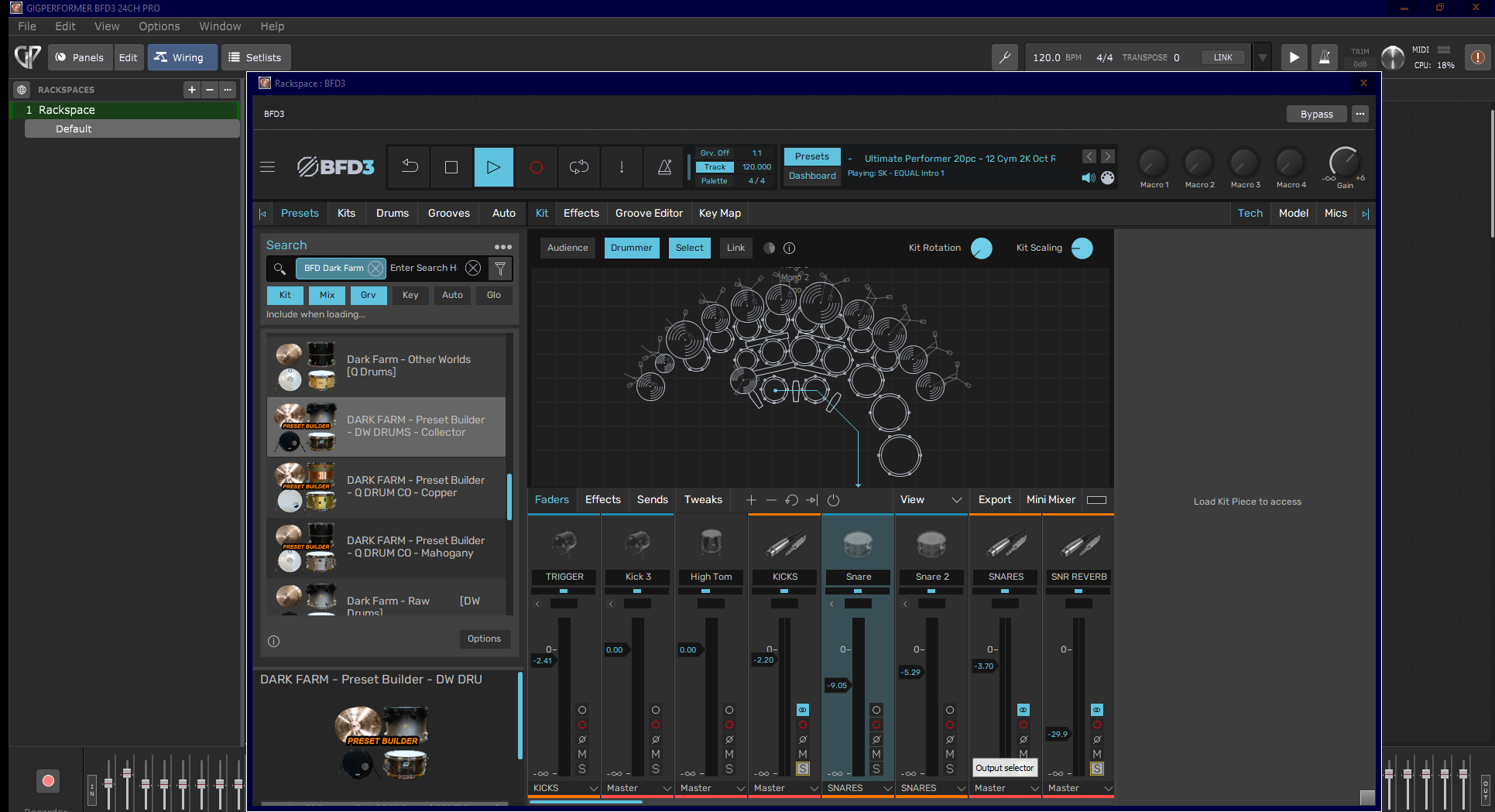
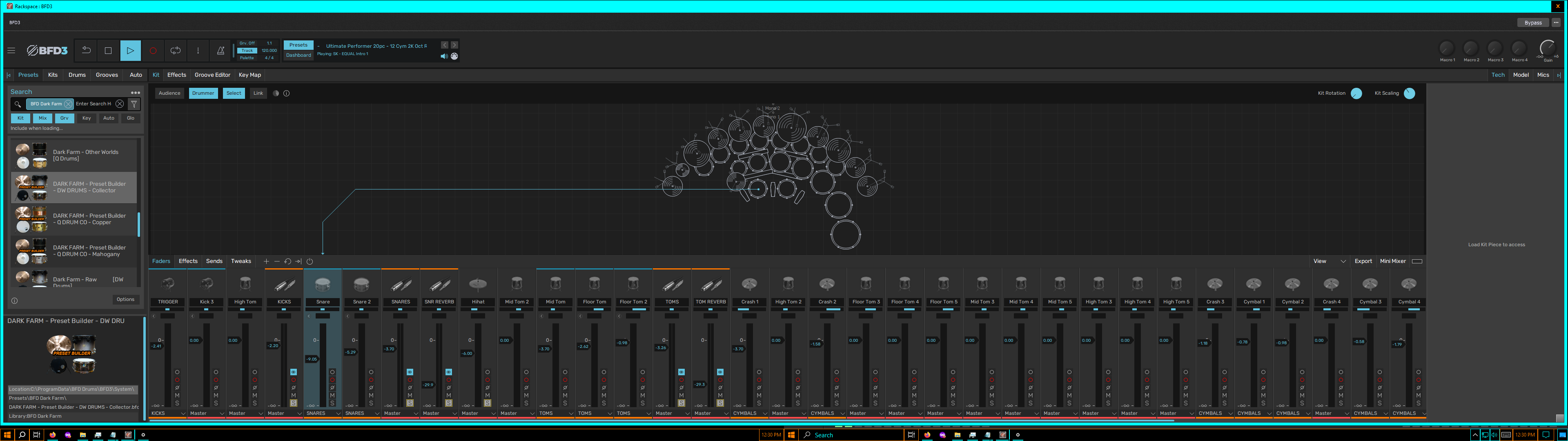
I also included Monitor images
I use Multiple Monitors and setup GP on 2 of them..and also a single.
The Monitors are 27" 1920x1080…
The Text is quite large on a single monitor compared to spreading out on 2 Monitors…Windows 10 LTSC..set at 100%.
I do not have any machines with Win 11
Thank you so much for your detailed post! You gave me the clue to figure out what was going on and getting the aftertouch chokes to work via VST. I have a true frankenkit of Alesis, Roland, and Simmons. I am running an old Roland TMC-6 to run some multizone Simmons cymbals and hi hat + Roland hi hat pedal. I know the Roland TMC-6 only does channel aftertouch, and since it worked in BFD3.5 in standalone mode it did not even occur to me to check poly aftertouch. After setting up a midi logger in GP v 5.1.4 (and not just BFD3.5 VST) I saw it was seeing the aftertouch messages as poly aftertouch. I setup a GP midi filter to send poly aftertouch messages to channel aftertouch and voila, it works fine.
I have not checked cakewalk or sonar but I assume it is likely the same problem and solution.
The GUI text size issue in standalone mode is still annoying, but now that BFD3.5 works with aftertouch chokes in VST on GP, my need to use standalone mode is basically gone (for now).