Alesis Nitro Max Won't Register To PC - "Internet Issue"

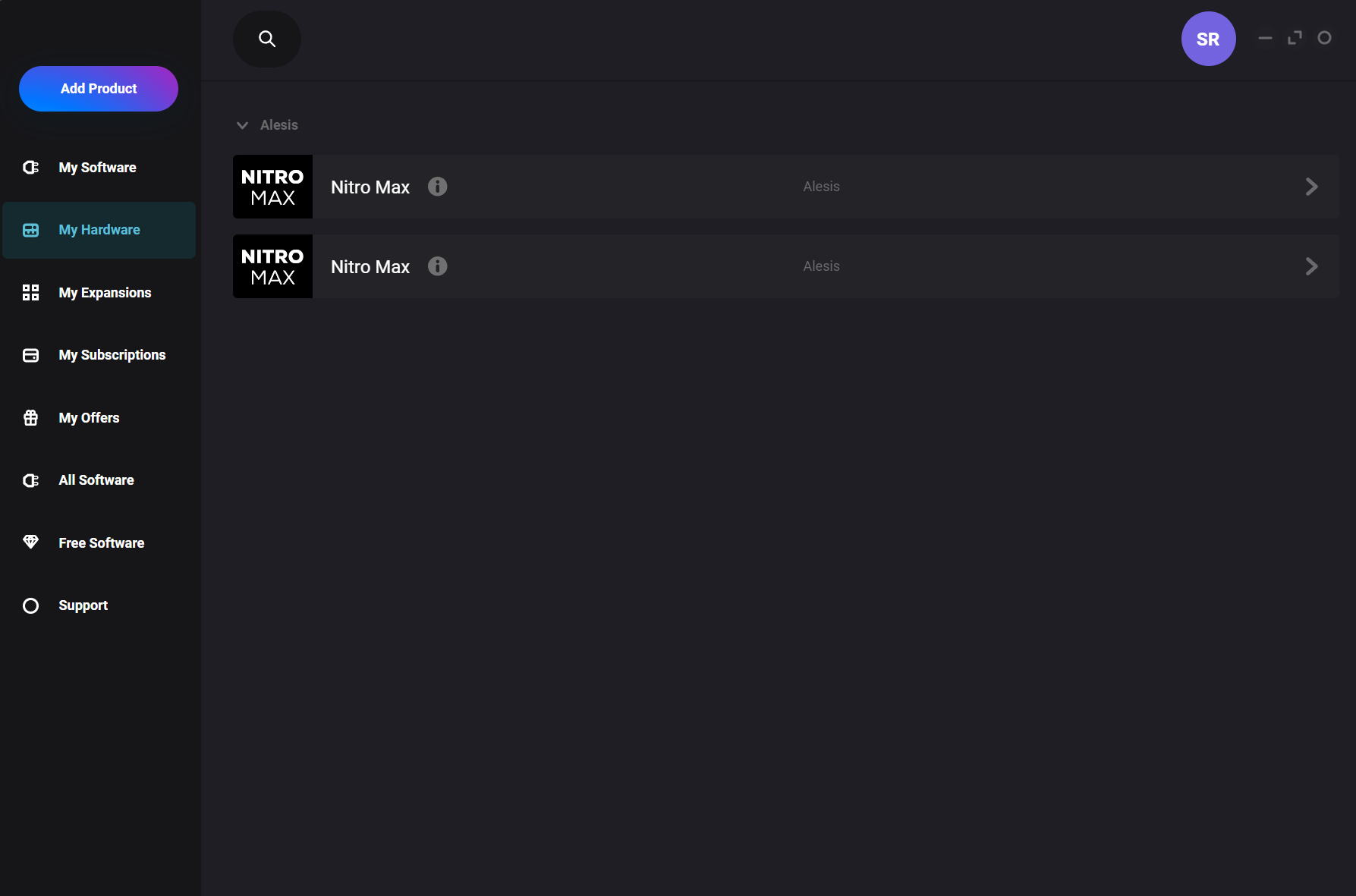
My Alesis Nitro Max refuses to register in inMusic. This may be an issue caused by the fact that I see two “Nitro Max” options in inMusic, but I don’t know what to do about that, either.

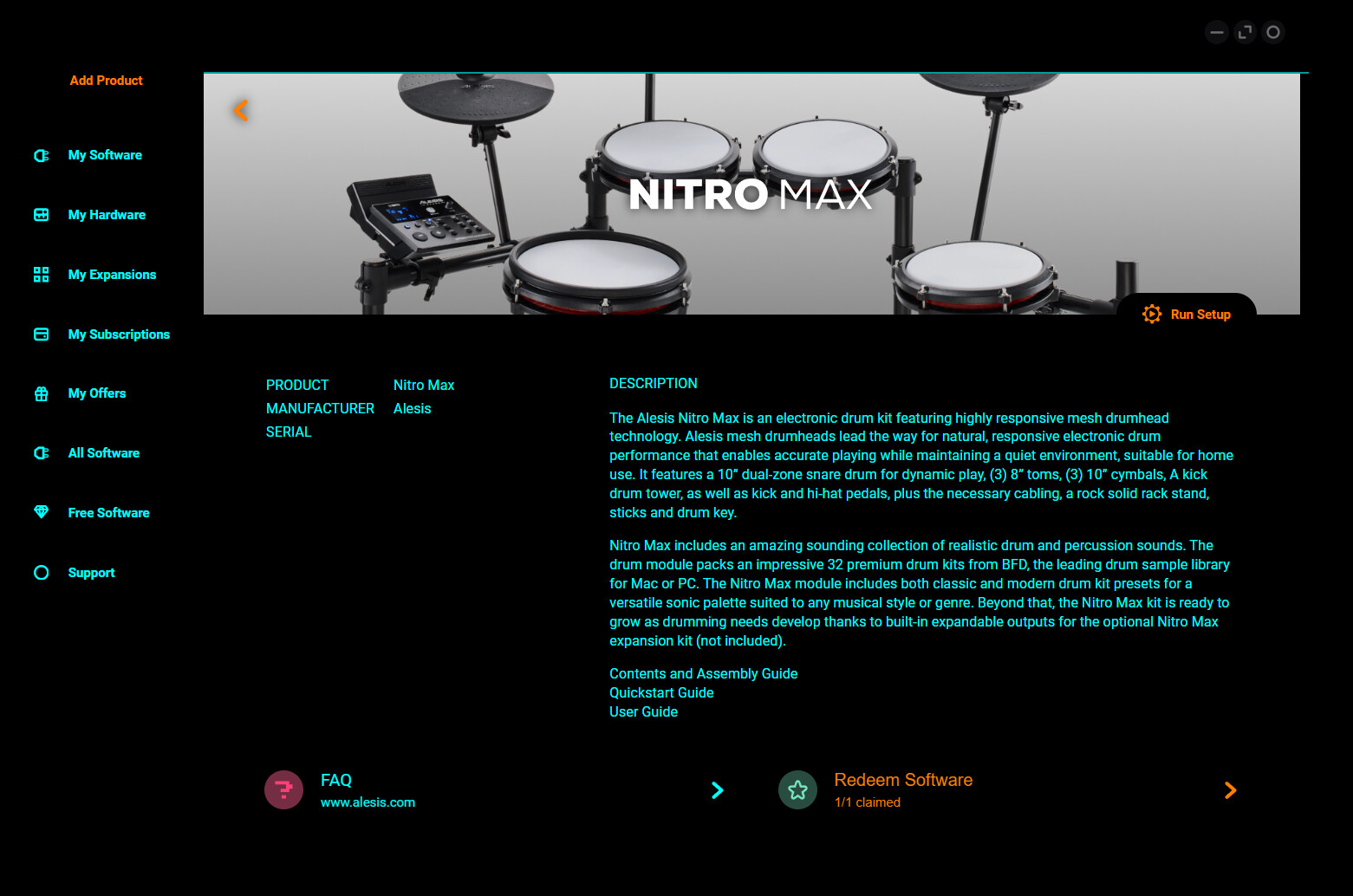
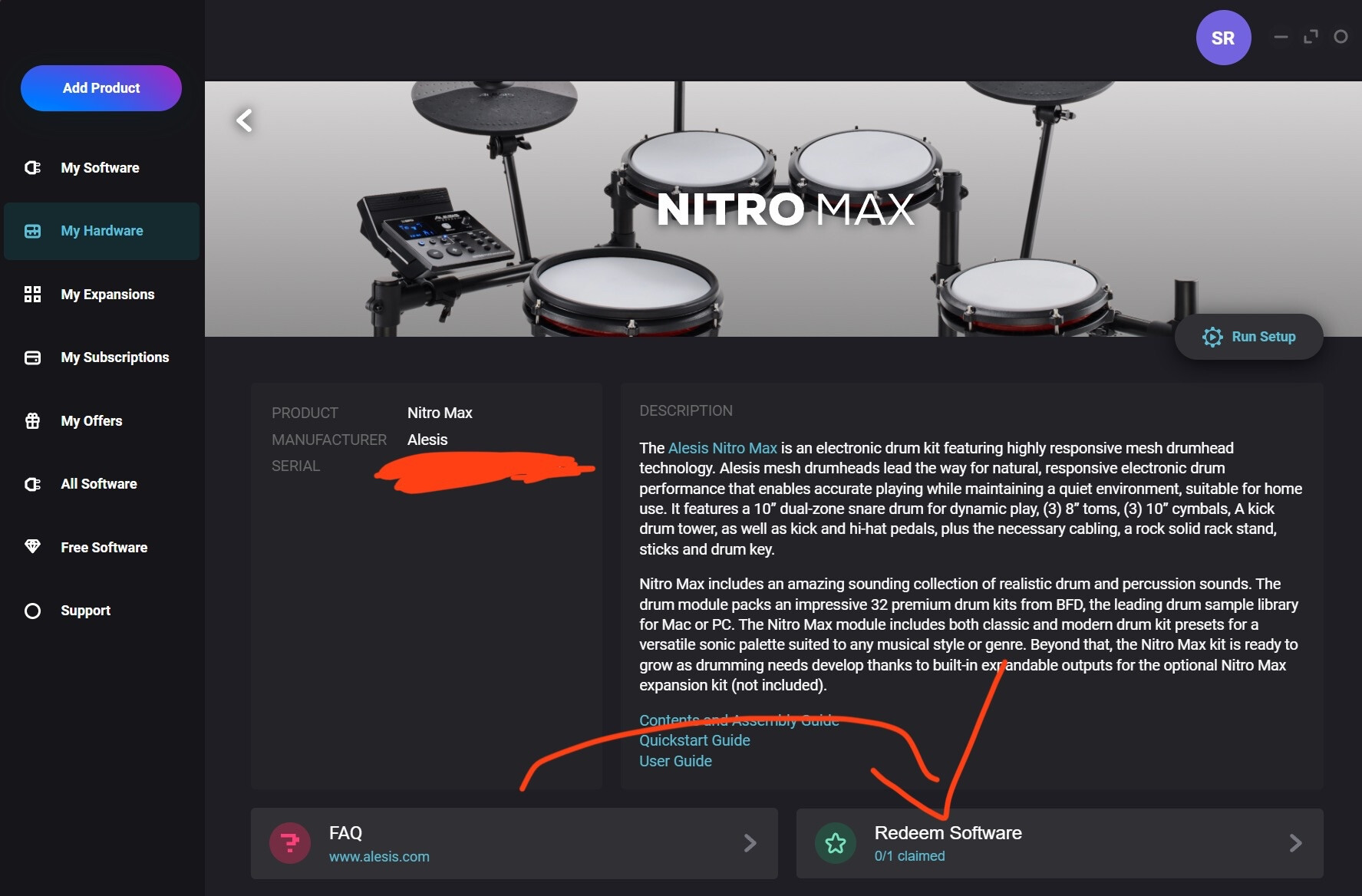
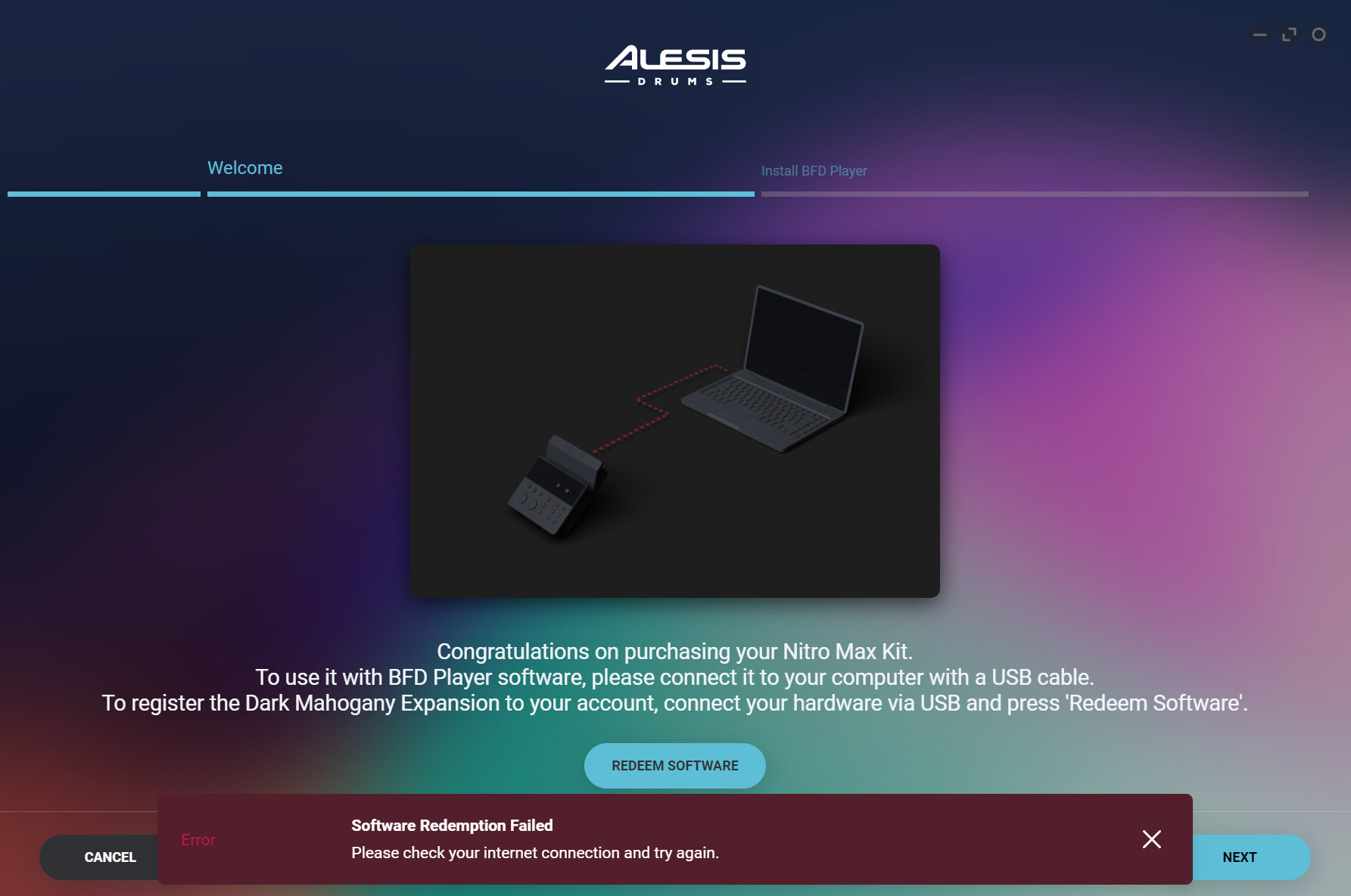
Regardless, when I click either of them and select “Run Setup” and then “Redeem Software”, I get a popup that reads “Software Redemption Failed. Please check your internet connection and try again.” This is incredibly frustrating because not only is my internet fine and I have no issues with anything else, but because I know it can’t be an internet issue. I’ve tried it on my PC with internet, ethernet, and my phone hotspot, AND on my laptop with internet, ethernet, and my phone hotspot. There’s no way all 6 methods are faulty. Especially since, again, I otherwise have no internet issues.

I’ve reached out to support multiple times in the past 14-or-so days and I’ve heard nothing back. I’m getting really upset because I can’t renew my dark mahogany and I suspect that the refusal to connect is the reason why the set won’t make any sound when I use BFDplayer (another issue that I’m having, though not the topic of this post.)

PLEASE, if anyone knows what to do, let me know!!!
I’m assuming you have the NitroMax hooked to your PC with a USB cable, and it’s turned on. You didn’t mention that. I think I had an issue activating the BFD Player Dark Mahogany expansion, but support was able to reset it for me, and it worked after that. It seems strange that you haven’t got a response from support, as I got a reply shortly after my request.

They should just respond via email, right?

Sorry for the delay, I had to search through my email correspondence to confirm. Yes, it was through email, from the InMusic CX Team (customerexperienceteam@inmusicbrands.com). With BFD issues, use this webpage: Submit a ticket : BFD Drums

EDIT:**

This post took 10 Days for approval…

**
Additional responses were made prior to approval

It appears you have the InMusic Software Center Installed.
I presume you also have an InMusic Profile.

“Regardless, when I click either of them and select “Run Setup” and then “Redeem Software”, I get a popup that reads “Software Redemption Failed.”

You can redeem only once…you later state “I can’t renew my dark mahogany”
Are you trying to Re-Authorize or Redeem.
Once it is claimed it should show on the My Hardware screen..
Redeemed Software.. 1/1 Claimed .


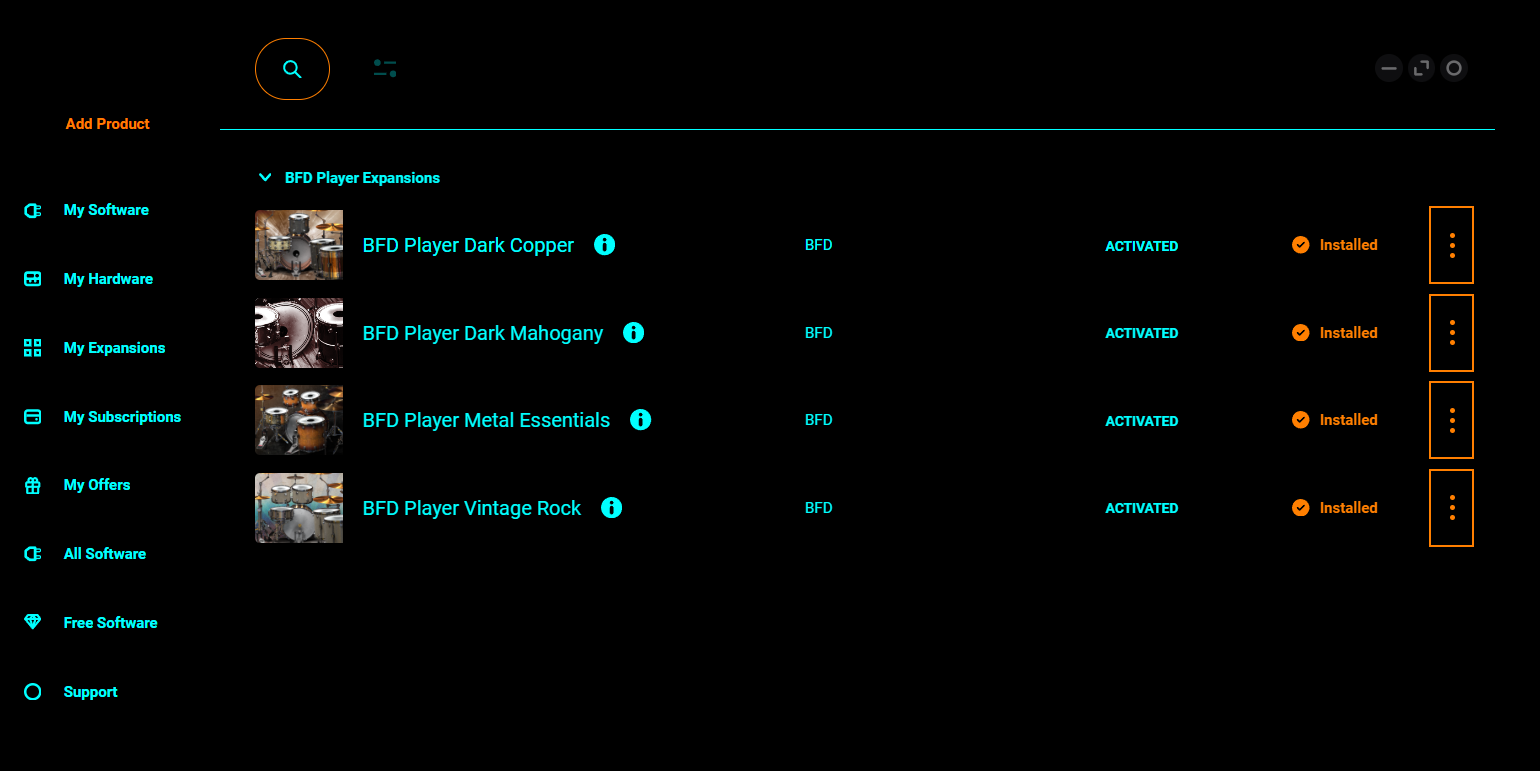
It should also be listed under My Expansions

The Download and Authorization/License check is then handled by the InMusic Software Center
and the Software/Expansions etc will always be under your account.

Once launched the InMusic Software Center checks for Updates.
The BFD Player once launched does a Login…then checks Registrations/Content.
If it won’t connect check your Firewall and see if the app is blocked.

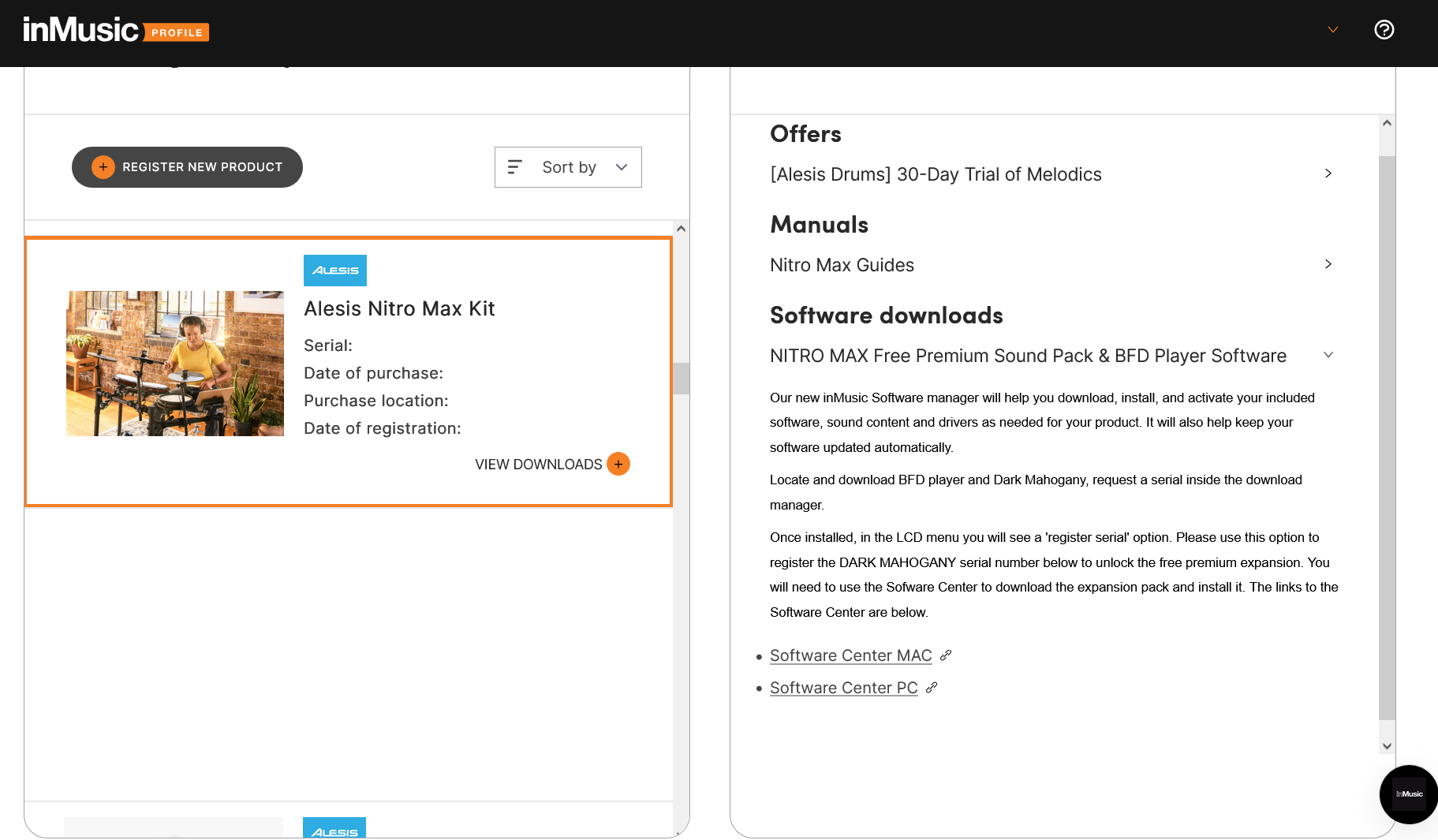
If the Expansion is not Listed in the Software Center..go to your InMusic Profile and check registration of the Nitro Max.

You should see the Expansion listed under Downloads…
ALL FREE downloads are registered to the Module Serial Number.
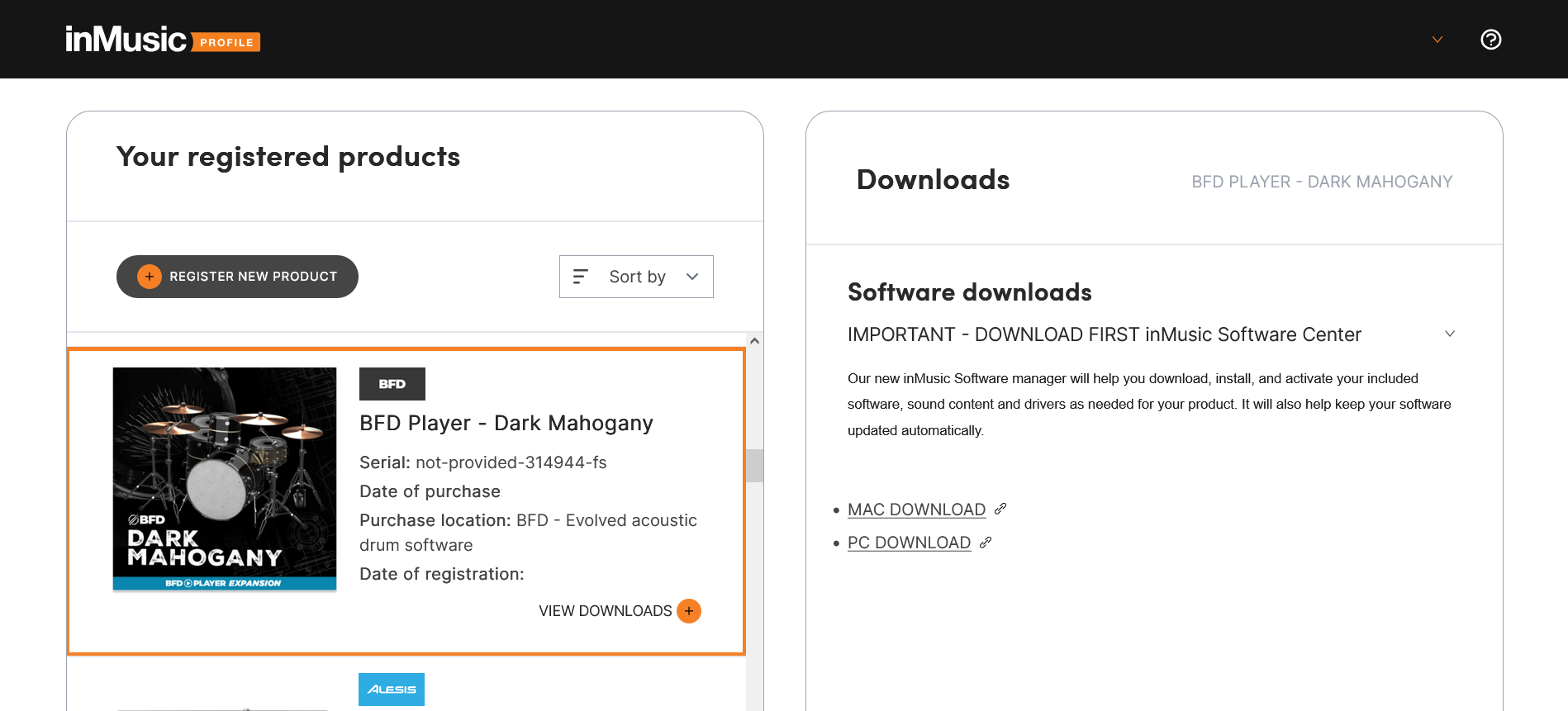
You will not see a Serial Number for many Promos.
It will show Serial Number Not Provided..a Code and FS (Free Software)

The BFD Player V1.0 was released after the earlier BFD Player .9 Version that was included with some of the earlier Alesis Kits and registered at the Alesis.com site..which over the past few months/year…the Drum products have been migrated over to the Alesisdrums.com site
The BFD Player V.9 Version used a different Lic Manager..Not the InMusic Software Center.

Check and see which Versions are showing in the InMusic Software Center…
BFD Player V1.2.1.1 - (There was a recent update…BFD PLayer v1.2.3)
Dark Mohaogany V1.10

I currently show No issues connecting to the InMusic Service center for BFD Player or BFD3.

There is a Machine limit on how many Computers software can be downloaded/installed on Simulataneously…unsure how many for an account… probably 2-3…that is why there is a Deactivate Button.

No Changelog available.

The early 2025 Black Friday Sales have started and BFD Player Expansions are $9 ea.

Sorry for taking so long to respond.

I know that I can only redeem one Alesis. But both of them are the same one and both say 0/1 Claimed. I can’t claim either. I’m very positive that my issue is the fact that there’s two of the same hardware attempting to be claimed- but I just don’t know what to do about that.

When I try to redeem either one, I get met with this message.

I just have no idea what to do about this.